
In a previous post, we provide new WordPress users with a comprehensive overview of WordPress Themes.
If you would like to learn more about the benefits of using themes and what makes WP themes so attractive to web site owners, then go here to read the post: Understanding WP Themes – A Useful Guide For Non-Technical WP Users
In this blog post, you will learn where you can search for free and paid themes for your WP site. You will also learn about the different types of WP theme resources and get tips on how to ensure that you get the right themes for your needs and avoid having to deal with problems like lack of customer support and poorly-coded themes.
As we’ve explained in our previous post, a theme is a special type of web design template used on WordPress-driven blogs and designed to work specifically on WordPress.
Many skilled web designers and website development houses create themes for WordPress. Consequently, members of the WordPress community enjoy access to thousands of great WordPress themes covering a wide-range of uses and applications.
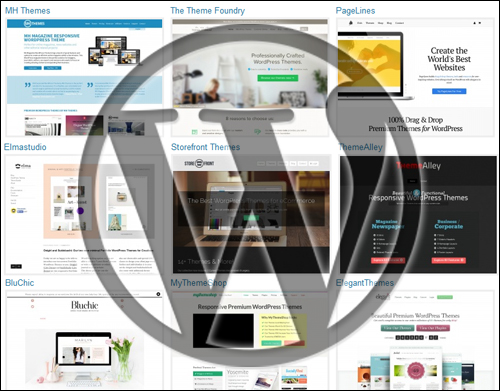
Where To Find Great Themes For WordPress: Your Time-Saving Guide
Let’s say you were to go to Google and type a key phrase like the following:
- best themes for WordPress
- best responsive themes for WordPress
- best responsive WordPress themes for writers (or whatever your business, area of interest or blog is about)
You are probably going to get an overwhelming amount of information to sort through in your search results.
So, to help you save time and make your life easier, we’ll just cut through the clutter and make the process of finding great WordPress themes really simple.
WordPress.com vs WordPress.org Themes
Before we start, you should know that WordPress offers both a hosted and a self-hosted version. We’ll explain these differences in a separate post. To keep things simple, we’ll only cover themes for the self-hosted version of WordPress (WordPress.org) in this article, which gives you more freedom, more options and more control over your web design.
Free vs Paid WordPress Themes
Next, it’s important to know that you will find thousands of Free and Paid WordPress themes made available. Free themes are generally distributed as Free Software under the terms of the GNU General Public License, or they are sold as Premium (i.e. paid) themes.
Theme Marketplaces And Directories & WP Theme Design Companies
There are two places where you can find themes. The first place is in theme marketplaces and theme directories. The second place are the commercial and independent theme houses.
WP theme marketplaces and theme directories are large aggregators of themes. theme developers (both commercial and independent) list their themes (both free and paid) in the marketplace or directory and visitors search for these just like they would if they were shopping for apps on an app store or software directory.
Some of the bigger directories don’t just sell WordPress themes. They can also sell WordPress plugins and templates for other web applications (e.g. Joomla, Drupal, etc.)
Commercial and independent WP theme vendors typically will develop both free and paid themes, and can vary in size, from an individual theme designer or a small team of designer, to large theme design and development companies.
Most commercial or independent theme stores sell themes exclusively on their own web sites, but some will also list their themes in marketplaces and directories, or even create a free or “lite” version of their themes for free directories .
Let’s now show you where to search for the best themes for your website or blog.
Where To Find A Responsive WordPress Theme For Your Website Or Blog
WordPress.org
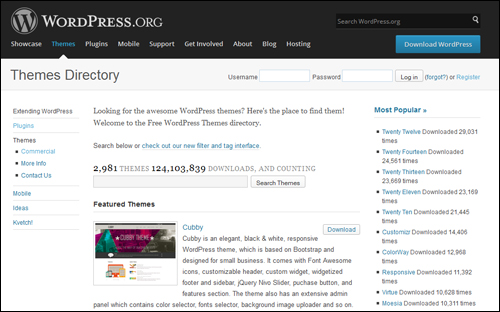
(WordPress.org – Themes Directory)
The official WordPress theme directory is the biggest and best place to search for WP themes for free. In fact, it’s probably the only free theme directory you should use when looking for free WP themes. The reason for this, is because –as some free software users have learned– downloading free software, add-ons, apps, templates or themes from untrustworthy places can place your computer, digital presence and even your entire business at risk.
The WordPress theme directory is not only a trustworthy and reputable place to download themes for your site, but it also uses a review team to review and ensure that each theme uploaded to the directory meets their quality and security standards.
To browse thousands of excellent FREE WordPress themes from the official WordPress Themes Directory, go here:
http://www.wordpress.org/extend/themes

You Don’t Even Have To Leave Your WP Dashboard
Useful Tip: You can easily browse through every theme in the WordPress.org directory and not only find what you are looking for, but also easily install and activate it directly from within your WordPress admin panel with only a couple of mouse clicks.
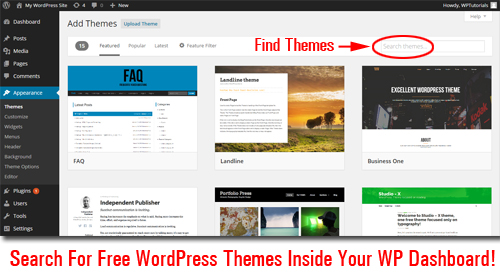
Use Theme Feature Filter
WordPress has a built-in filtering function inside the dashboard area that lets you narrow down your search for themes based on criteria like Colours, Layout and Features …
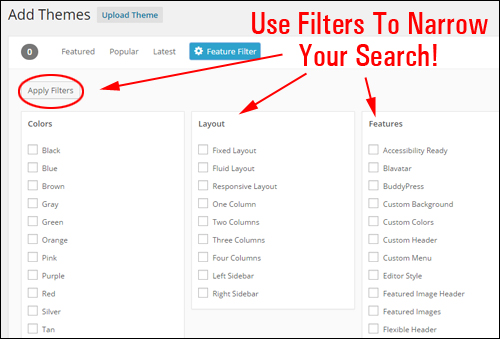
This makes it easier to find what you are looking for. For example, you could search for themes with predominantly orange colour design, with a two-column layout and a full-width template, or themes that support custom menus, etc.
Note: in the article mentioned earlier where we present an overview of WordPress themes and discuss the importance of using “responsive” themes, we explained how these allow your site to be viewed without problems on all devices (e.g. your laptop, tablet and smartphone) …
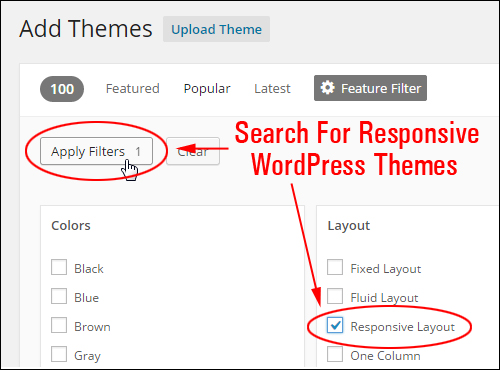
It’s a good idea to use responsive themes, and the WordPress theme filter lets you search across its entire database of free themes …
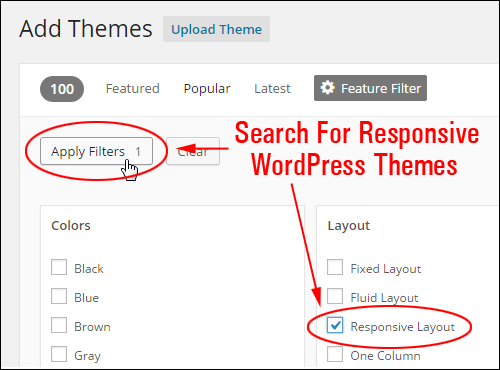
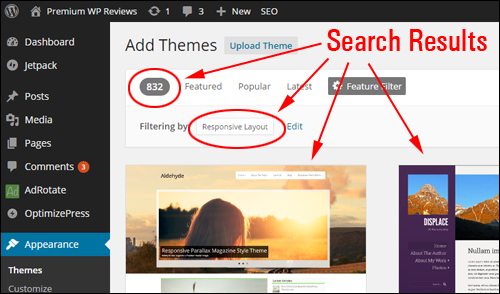
… and bring up only themes that are “responsive” …
Pros & Cons Of Using Free WP Themes
The obvious “pro” to using free themes is that it costs nothing to download and use the theme on your site. Additionally, many free themes are professionally designed and provide a number of built-in customizable settings, giving you great flexibility and choice in how you configure all of its various layout elements.
The ”cons” to using free WP themes are that your themes may not get updated as often with new features and bug fixes, and you shouldn’t expect the theme developer to provide personal support, especially if they are not getting paid. Most free themes will ask you for a donation to help cover support costs.
When downloading free themes, therefore, check to see when the theme was last updated. If it’s been more than 1 year since any change was made, then think carefully about using it, as the theme may have been abandoned by its developer.
If you’re just getting started and your site is still quite new, it’s a good idea to start with a free theme until you have a better idea of the kind of site design that would work best for your site before spending money on paid themes or even on custom theme design. Who knows, the free theme you’ve downloaded could be exactly what works for your site and your business.
Now that we’ve seen how to find free themes in the WordPress theme directory and ways to narrow down your search for themes that meet your specific criteria, it’s time to turn our attention to finding premium themes.
Premium WordPress Themes
If you are looking for themes with stunning web design, or professional quality yet highly affordable WordPress web design themes with a distinctive look, unique customizable options and responsive support, then search through the WordPress theme galleries of the “Premium” theme design agencies listed below:
Theme Directories
ThemeForest
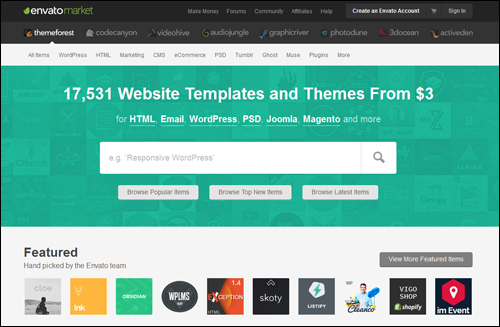
ThemeForest is one of the largest and well known theme directories online.
ThemeForest lets many professional WordPress theme creators showcase their designs through their online marketplace. There are well over 17,000 premium themes to choose from (you can find great themes from as little as $3) …
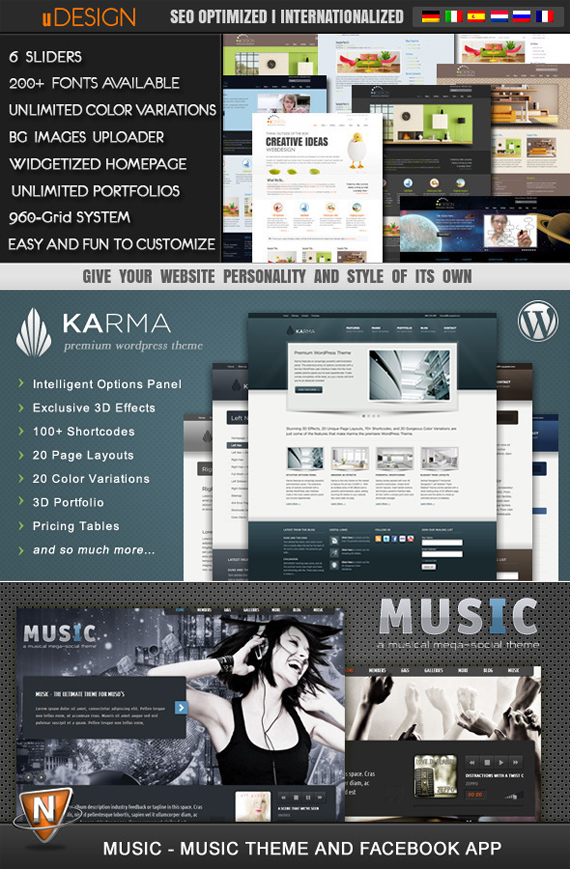
(click on the above images to browse all themes on ThemeForest)
If you visit the ThemeForest theme directory, you will be able to browse for specific WP themes in various categories, such as:
- Blog/Magazine – themes for bloggers and news editorials, etc.
- Corporate – themes suitable for medical sites and marketing purposes.
- Creative – themes suitable for creative work, crafts, etc.
- Directory Listings – themes that suit sites related to employment opportunities, buy & sell, , etc.
- eCommerce – themes for ecommerce, event bookings and registrations, etc.
- Education – themes that suit sites related to tutoring, etc.
- Entertainment – themes for film & tv blogs, restaurants, etc.
- Mobile – e.g. retina-ready themes.
- NonProfit – themes for nonprofit organizations, charities, etc.
- Real Estate – themes for real estate and real estate listings (e.g. rentals, etc.)
- Retail – themes for retail stores, trades or professionals (repairers, dental practitioners, etc.)
- Technology – themes related to hosting, newsletters, etc.
- Wedding – e.g. themes for wedding sites and marriage consellor blogs
- Miscellaneous – themes suitable for writing or discussing political issues, parenting sites or blogs … even themes you can use if your site is still under-construction!
When you purchase WordPress themes from ThemeForest, you will receive email notifications when a new update is available for your theme …
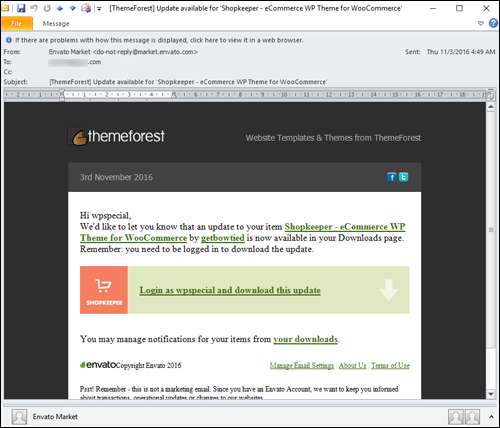
(ThemeForest sends you theme update notifications)
Go here to discover quality premium themes in the ThemeForest themes site:
Creative Market
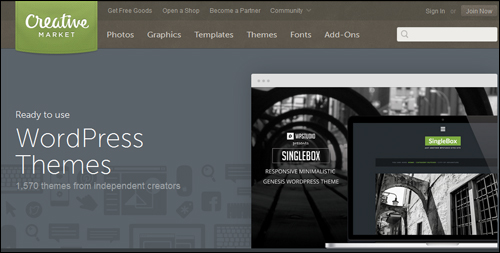
(click on the images above to view all Creative Market themes)
Creative Market is another leading WordPress theme marketplace where you can browse thousands of quality premium themes from independent theme creators.
As stated on their website …
“Creative Market is a platform for handcrafted, mousemade design content from independent creatives around the world.”
Creative Market doesn’t just sell WP themes in its directory, but you can easily browse hundreds of themes for WordPress and narrow your search using theme categories from their dropdown “Themes” menu …
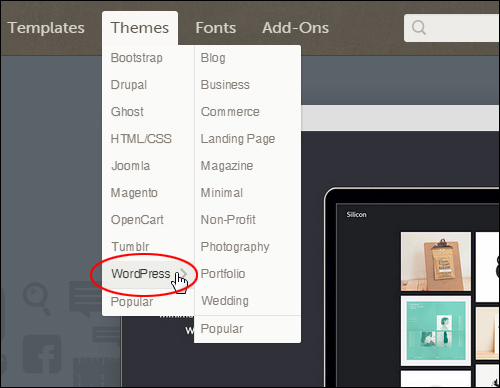
Browse through hundreds of great premium themes crafted by independent WordPress theme developers in the Creative Market theme marketplace here:
Mojo Themes
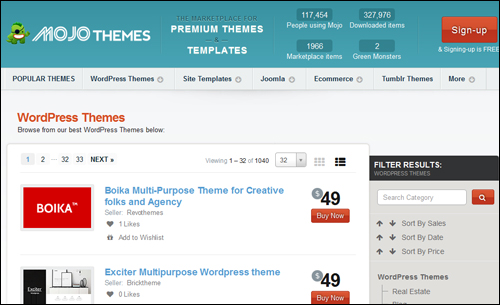
(click on the images above to browse more themes at Mojo)
Mojo is a marketplace for premium WP themes where theme vendors are strongly encouraged to provide customers with lifetime support and upgrades.
According to their website …
“Mojo is a marketplace where anyone can find, rate and buy quality themes & templates in one trusted place.”
Like Envato and Creative Market, Mojo doesn’t focus exclusively on WordPress themes, but you can easily browse hundreds of WordPress themes and search through their theme categories (e.g. Portfolio or eCommerce themes and theme frameworks, etc.) by using the site’s dropdown “WordPress Themes” menu …
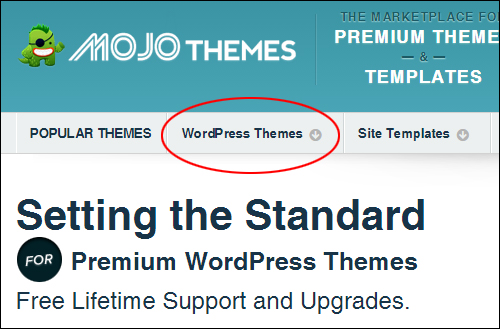
Visit the site to find great WP themes in the Mojo directory here:
Now that we have looked at WordPress theme marketplaces, let’s look at commercial and independent WP theme design houses.
Commercial Theme Shops
SoloStream
SoloStream provides WordPress users with a great selection of professional quality premium WP themes and the option of accessing all themes through a WordPress theme membership.

(click on above images to browse more themes from SoloStream)
Woo Themes
Woo Themes designs eye-catching themes for WordPress that are very popular and highly sought after by website users and offer a membership option that gives you access to their entire WP theme portfolio.
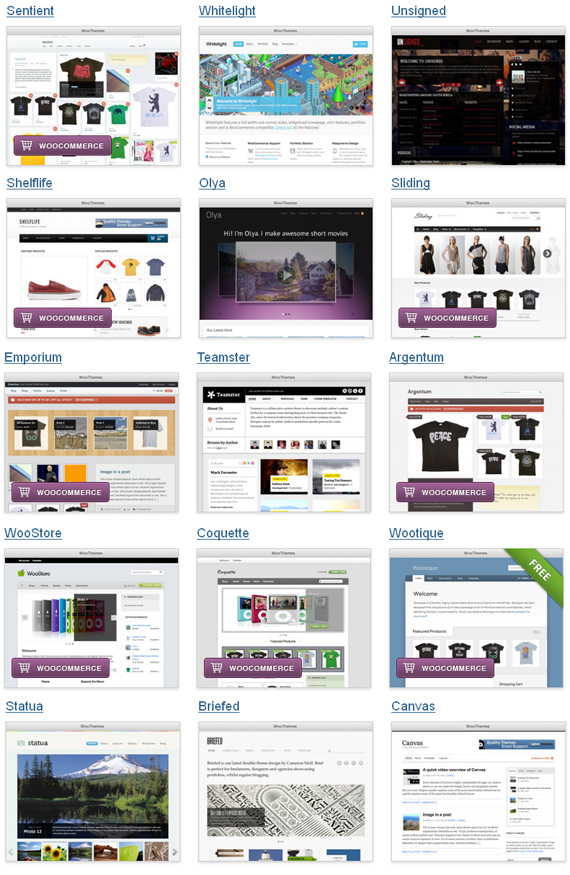
(click on the images above to view all themes from WooThemes)
StoreFront
StoreFront specializes in e-commerce themes for WordPress. StoreFront themes also integrate well with some of the most powerful e-commerce platforms and plugins available.
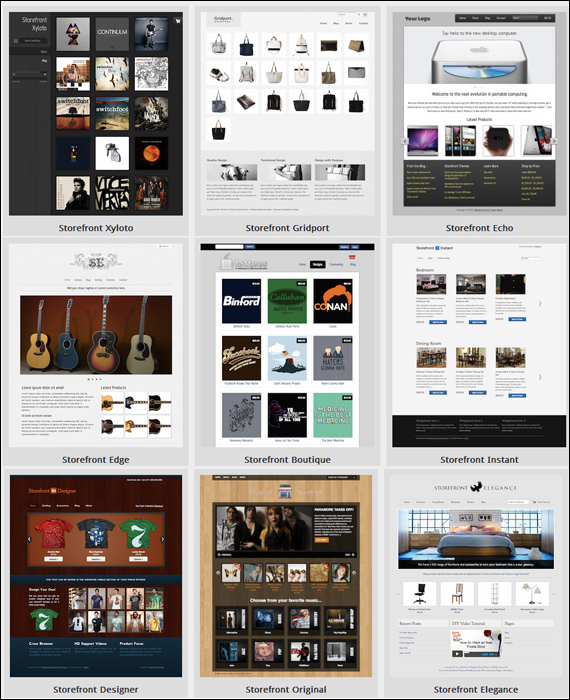
(click on the images above to view more themes from StoreFront)
StudioPress
StudioPress builds WordPress themes based on a framework that lets you quickly and easily build a professional and search optimized WordPress site, and provides a self-updating design architecture, turn-key site designs with beautiful frames for the content and unprecedented control of the framework.
Many website developers prefer using this framework not only because it’s well-coded and well-supported (the development team at StudioPress keeps the framework consistently up-to-date to reflect best practices for coding and to make sure that themes remain always compatible with the latest WordPress version, but because you can update your themes without losing any customizations you may have made to your theme.
This is because StudioPress themes use something called “child themes,” which are like “skins” that sit on top of the framework and gives your site its unique design.
If this sounds way too technical, there’s no need to feel concerned about it. StudioPress themes are very easy to work with, just like all other WordPress themes. The great thing about choosing StudioPress themes is that one low price allows you to receive unlimited support and updates, and you can install your themes on unlimited domains.
For more details, click here: StudioPress.
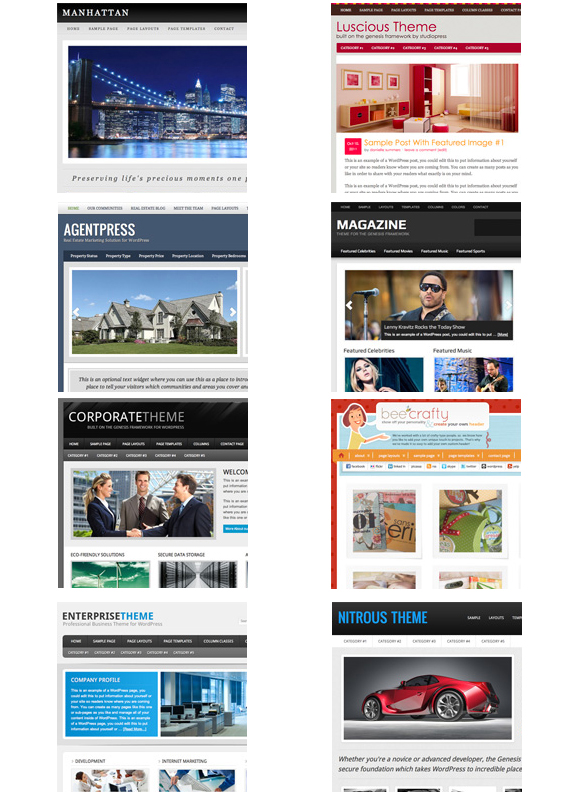
(click on the above images to see more themes from StudioPress)
WordPress Theme-Checking Tools
Let’s finish this post with a few more useful WordPress theme-related tools worth keeping in mind:
What WordPress Theme Is That

What WordPress Theme Is That is a free WP theme-checking tool that lets you easily detect what WP theme a site uses.
This is a great resource if you have come across a WordPress site that you like and would like to know what theme the website or blog is using.
Tip: If you don’t know whether a site was built using WordPress or not, we have posted a a great tutorial that shows you how to tell whether or not a website uses the WordPress CMS platform: How To Tell If A Website Was Built Using WordPress
Using this tool is very simple. Just enter the site’s domain name into the field and click the search icon or hit “Enter.” The tool will not only confirm if a site is powered by WordPress, but it will also list the theme being used and list any plugins it detects.
- To use this tool visit the website here: What WordPress Theme Is That.com
- To learn how to use this tool go here: Tell-Tale Signs It’s A WordPress Web Site And WP-Checking Tools
Theme Authenticity Checker - Plugin

We suggested this before and it’s worth repeating again: If you decide to use FREE themes for your WordPress site, we highly recommend sticking with the approved WordPress themes listed in the official WordPress theme directory.
A method that is commonly used by many hackers and cyber criminals is to put up websites and directories offering “Free” WordPress themes all over the web and distribute modified themes and plugins with malicious code embedded in their files. In fact, some of these sites even display on search engine results for search phrases like “free WordPress themes“, “best free WordPress themes”” etc. It’s best, therefore, to stick with the official WordPress theme repository, or use established and reputable sites.
If you are in doubt about whether a WordPress theme installed on your site could be infected with malware or unwanted code, you can use a free WordPress plugin like Theme Authenticity Checker (TAC) to scan your theme files. This plugin scans the source files of every installed theme on your site for signs of suspicious code and then outputs a report with the results …
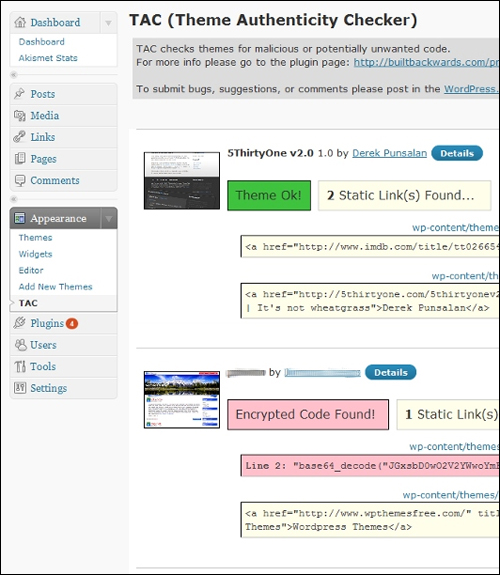
(TAC Report Page – Source: Plugin)
We hope that you have found this information useful.
***
"I have used the tutorials to teach all of my clients and it has probably never been so easy for everyone to learn WordPress ... Now I don't need to buy all these very expensive video courses that often don't deliver what they promise." - Stefan Wendt, Internet Marketing Success Group
***