 We have just launched WPCompendium.org, a new WordPress training site for non-technical WordPress users with 100% FREE WordPress tutorials!
WPCompendium.org currently has over 400 detailed step-by-step tutorials on how to use WordPress and we plan to continue adding more as we grow.
“I am beyond impressed with what you have put together. I can tell that you put a ton of hard work into building what you have. You have the absolute best content on WordPress I have ever seen!” – Robert T. Jillie
”If you’re new to WordPress, this can stand on its own as a training course and will stay with you as you progress from beginner to advanced and even guru status.” – Bruce (Columbus, Ohio)
We have made the written (screenshot) tutorials covering the basic WordPress “how tos” publicly available through WPCompendium.org. Tutorials are organized into modules and categories, and all of the content is interlinked, allowing you to navigate through topics easily and find what you need quickly.
WPCompendium.org focuses on tutorials covering areas like:
- WordPress Installation
- WordPress Configuration
- WordPress Management
- WordPress Optimization
- WordPress Security
- Online Business Strategies
If you are a brand new WordPress user, we have also created The Complete Step-By-Step WordPress User Manual – a comprehensive training system for non-technical users that will show you how to use your WordPress website effectively…with no coding skills required!
You can access regularly updated online tutorials, 2,000+ video tutorials, courses, downloadable guides, and additional useful resources.
For more details, go here: WPTrainingManual.com
***
If you visit the About Us section, you will see that our focus is on educating and training businesses and non-technical users about the benefits of using WordPress.
Note: We don’t offer web development or technical/support services.
If you’re new to WordPress and would like to learn how to get the most out of your WordPress website or blog without wasting hours of your time or learning how to code, use the tutorials here at WPCompendium.org.
Here are just some of our tutorials to help you get started:
WordPress Gutenberg Tutorials For Non-Techie WordPress Users
Ultimate WordPress User Guide For Beginners

Free Digital Skills Training: WordPress For Business

Want A Website You Can Manage Yourself? Read This First!

Why Use WordPress?

How To Add A Staff Directory In WordPress

50 Great Reasons To Choose WordPress

Benefits Of Using WordPress As A Content Management System

Build A Website In One Day With WordPress – No Coding Required

WordPress Maintenance Process
Quick WordPress Installation Guide
How To Protect Your WordPress Site From A Brute-Force Attack
WordPress Traffic Automation Blueprint – Part 1 (Overview)

Why Is WordPress Free? WordPress Costs Explained

Why Is WordPress Free? Uncovering Hidden Catches

WordPress eCommerce Plugins: A Comprehensive Guide
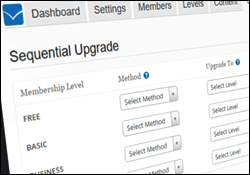
WordPress Membership Plugins: A Comprehensive Guide
The WordPress Digital Business Blueprint That Saves You Money

Website Planning Process – Part 1
How To Add Legal Pages To Your WordPress Site

How To Set Up Web Hosting For Your WordPress Site
How To Install WordPress Using cPanel

Backup Creator – WordPress Backup Plugin
The Famous WordPress 5-Minute Installation For Non-Techies

How To Install WordPress Plugins Via The WordPress Dashboard

How To Add Charts And Graphs To WordPress

How To Clean Up A New WordPress Installation
How To Configure WordPress Reading Settings
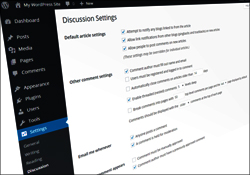
How To Configure WordPress Discussion Settings
How To Change The Admin Username In WordPress

WordPress Content Checklist

WordPress Traffic Automation Blueprint – Part 3 (Configuration)
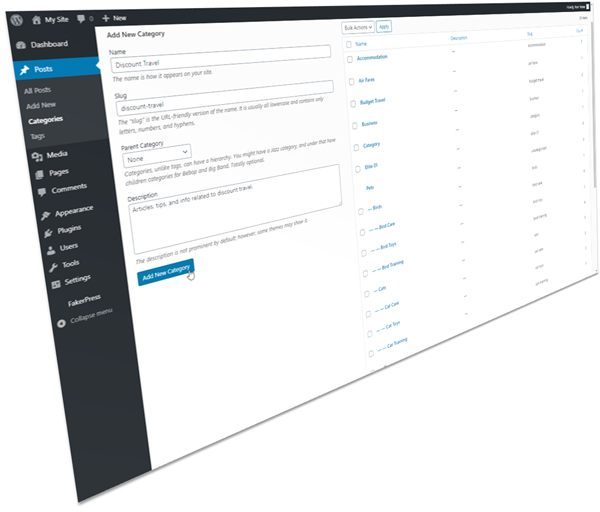
Using WordPress Post Categories

How To Set Up And Use WordPress Permalinks

Using WordPress Gravatars
Blog Defender – WordPress Security Suite
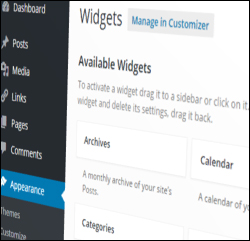
How To Use And Configure WordPress Widgets
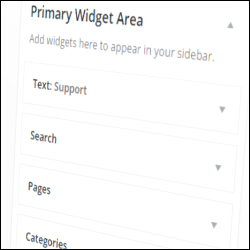
How To Use And Configure WordPress Widgets – Part 2
How To Set Your Home Page In WordPress
How To Set The Number Of Blog Posts To Display In WordPress

How To Use The WordPress Quick Edit Feature

Ultimate Guide To WordPress RSS

How To Use WordPress Autosave And Post Revisions
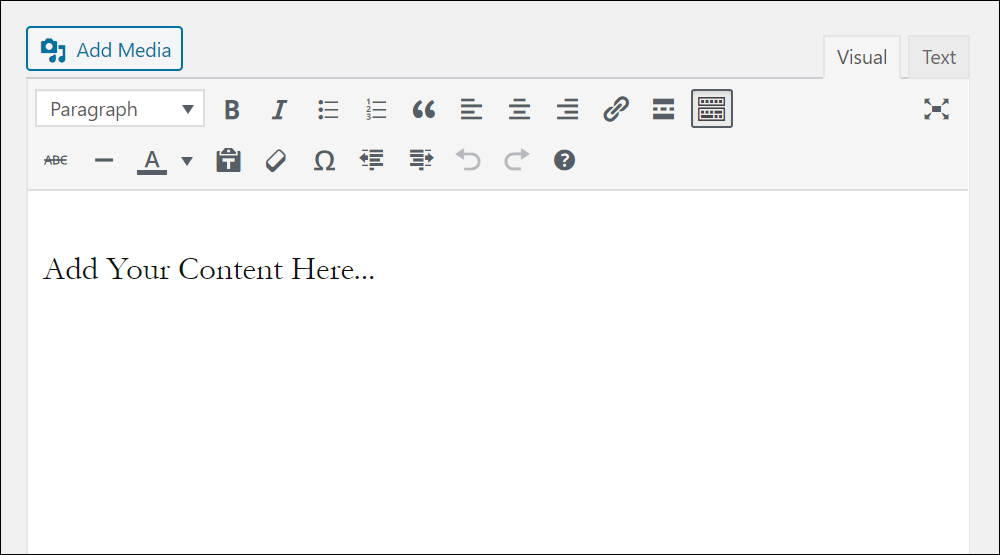
How To Use The WordPress Classic Editor

A Basic Guide To HTML For WordPress Users
The WordPress Dashboard

WordPress Themes Explained

WordPress Plugins Explained

***
"I have used the tutorials to teach all of my clients and it has probably never been so easy for everyone to learn WordPress ... Now I don't need to buy all these very expensive video courses that often don't deliver what they promise." - Stefan Wendt, Internet Marketing Success Group